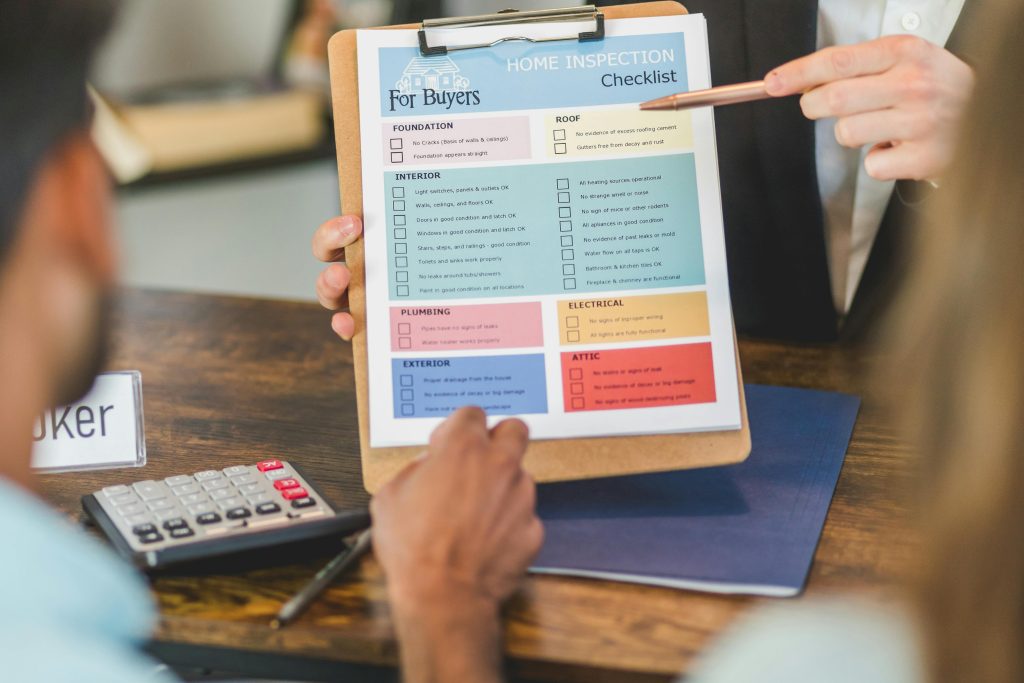
Stop running ops on a clipboard. Build a Checklist Template once — shift briefings, vehicle checks, equipment audits, post-Incident debriefs — and assign instances to your team in seconds.
What it does
A Checklist is a reusable Template (sections and items) that gets spun off as instances. Each instance has a clear owner, a real-time completion state, and an audit trail that survives long after the event is over.
What’s in the launch
- Reusable Templates with sections and items — design once, deploy across every Operation.
- Assign to anyone: your own users get notified in-app and by email; sub-contractors without a First-Responder account get a one-time magic link — no signup, no friction.
- Real-time progress — items tick off live, so the Controller sees completion the moment it happens.
- Linked to Incidents — attach completion records to the Incidents they belong to, so your chain of evidence sits in the right place.
- Audit-ready by default — every start, every completion, every responder captured automatically.
Who it’s for
- Event Controllers who want pre-shift confirmations done before the briefing finishes.
- Vehicle / kit owners who need daily check-out and check-in records for governance.
- Safety leads chasing post-Incident debrief completion across multi-discipline teams.
- Sub-contractors and one-off helpers who can’t justify a full account but still need to record their completion.
Why it’s different
Most “checklist apps” stop at a tick-list. First Responder’s Checklists are part of the same workflow as Incidents — completion timestamps and assignees are first-class records, accessible from the same dashboard as the rest of your operation. No second system, no spreadsheet export, no chasing.
Getting it
Checklists is part of the Subscriptions system and available now